 Photograph: Nvidia (press image)
Nvidia Stops Shipping H200 AI Chips to China
The company no longer expects licensed Hopper data center revenue from China, despite winning U.S. approval for H200 sales last December.
Sasha Lind, Nov 18, 2026
The update addresses three specific issues, but iOS 27.3 beta users lose Personal Content requests until HomeView 27.3 arrives.
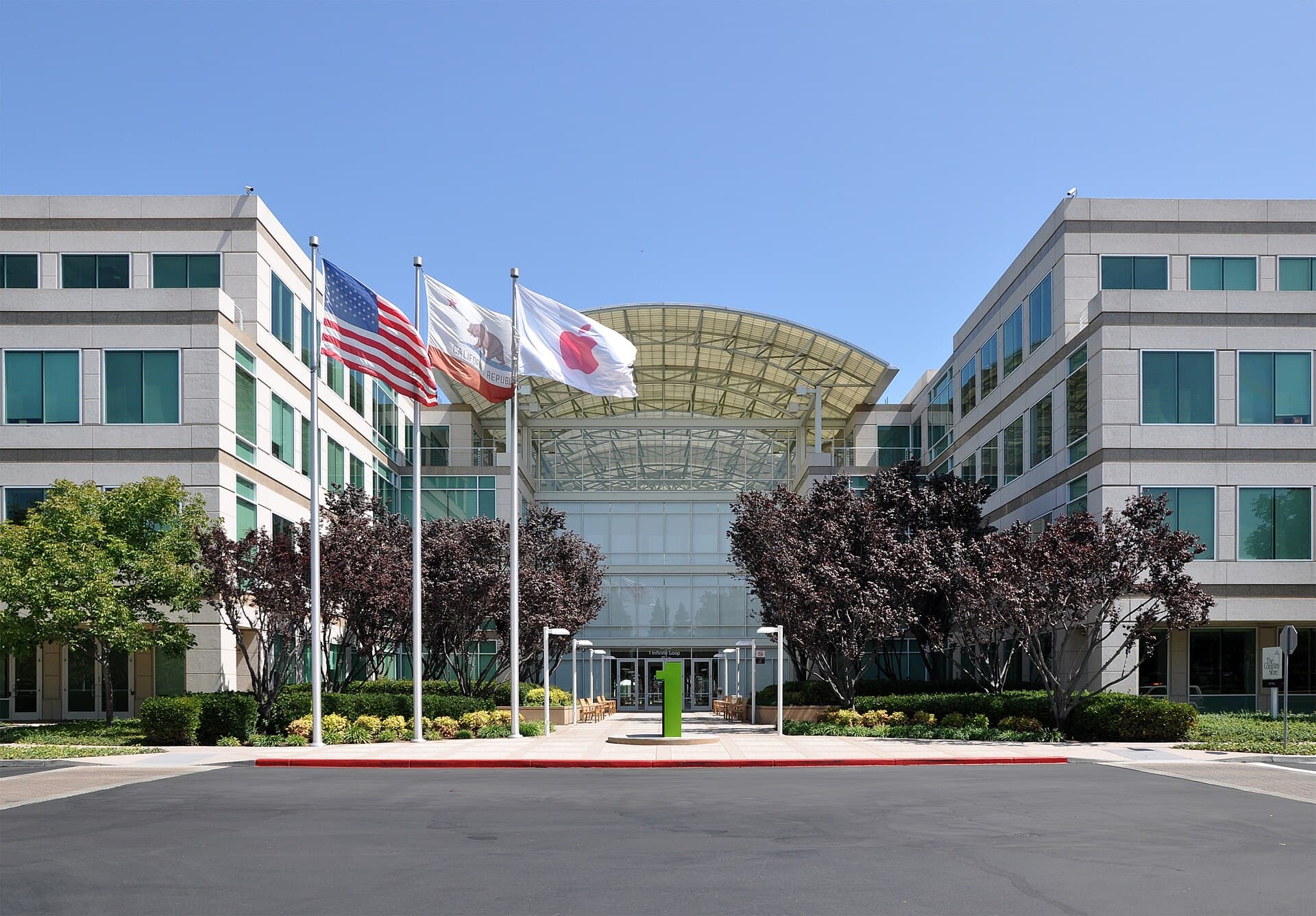
Apple shipped HomeView software version 27.2.1 on Wednesday, November 18, days after the smart home hub's November 13 launch, 9to5Mac reported. It is the first post-launch patch for the device. Beta testers, however, immediately hit a new limitation: after updating to 27.2.1, trying to make a Personal Content request from an iPhone running iOS 27.3 causes Siri on HomeView to say, “I can’t help with that because your personal device is on newer software.” There is no HomeView beta available, so those users may have to wait until the public release of HomeView 27.3 in December to regain Personal Content features, 9to5Mac reported.
Apple’s release notes describe the update as containing “important bug fixes for your HomeView,” Macworld reported. The update adds no new features, according to Gadget Hacks. The patch addresses three specific problems. Setting up a Shared Album on the Photos face could block HomeView from getting the Siri support it needs, making the assistant unusable. Pairing with an iPhone or iPad on the iOS 27.3 or iPadOS 27.3 beta could cause Siri requests to fail. Connecting another home hub, like a HomePod or Apple TV, could unexpectedly remove HomeView from the home. Apple has not made an official statement about the launch complaints, but representatives at its London headquarters told Macworld that some problems may stem from early software builds, iOS betas, or iCloud and Apple Music account mix-ups. In one case, an Apple employee said an iOS beta caused a user’s problem, and a factory reset fixed it. HomeView installs software updates automatically. To force the update, open the Home app on a paired iPhone or iPad, then go to More > Home Settings > Software Update > Update Now. Or, on HomeView, open Settings and go to System > Software Update > Update Software > Download and Install.
Several widely reported Siri complaints are not named in Apple’s release notes, according to Gadget Hacks. Owners reported timer and alarm failures, music commands running on a paired iPhone rather than the hub, and slow responses. Apple has not acknowledged those issues by name. Separately, a voice-unlock failure documented by reviewer Joanna Stern remains unfixed. Apple has said it plans a separate software update in December to address it, but has not given a version number or release date. Owners should test Siri for timers, music routing, and response speed rather than assume those complaints are resolved.
Sources: 9to5Mac, Macworld, Gadget Hacks
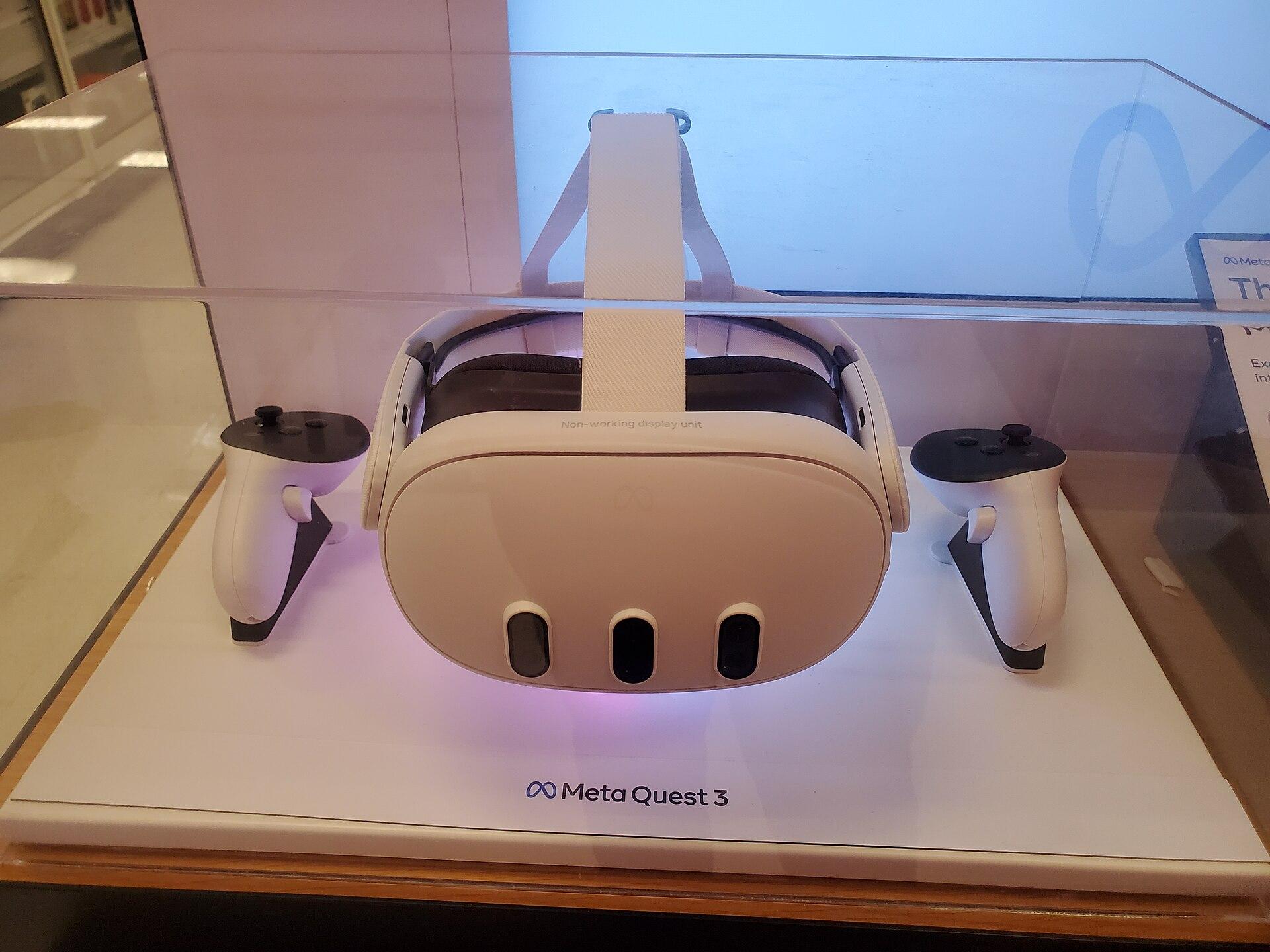 Photograph: IHazACatNamedMax/Wikimedia Commons (CC BY-SA 4.0)
 Photograph: Xiaomi (press image)
 Photograph: Jijithecat/Wikimedia Commons (CC BY-SA 4.0)
 Photograph: mliu92 from San Mateo/Wikimedia Commons (CC BY-SA 2.0)
 Photograph: Asoundd/Wikimedia Commons (CC BY-SA 4.0)Photograph: Nvidia (press image)
The company no longer expects licensed Hopper data center revenue from China, despite winning U.S. approval for H200 sales last December.
Sasha Lind, Nov 18, 2026
Photograph: Joe Ravi (Shutterstock iStock Dreamstime)/Wikimedia Commons (CC BY-SA 3.0)macOS 27.3 beta 2 splits the device control setting into two and adds per-use permission for AI apps.
Sasha Lind, Nov 17, 2026
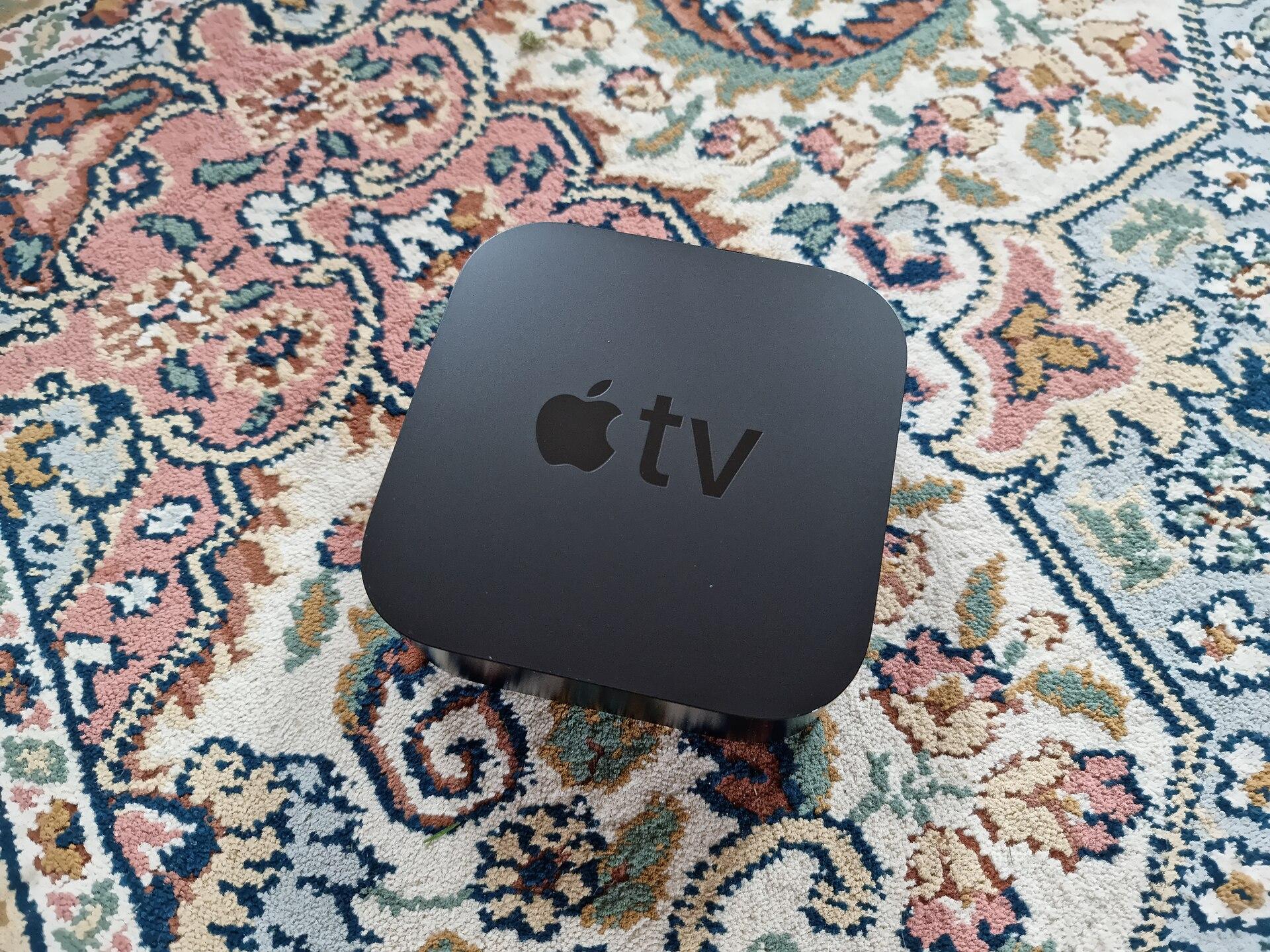 Photograph: Smart Home Perfected/Wikimedia Commons (CC BY 2.0)
Apple's fourth-generation streamer costs $299, double the prior model, and adds an A19 chip and hands-free Siri.
Dev Anand, Nov 15, 2026