Motorola launches Signature 27 with 7,000mAh battery and 200MP zoom
The $1,599 Android phone goes on sale November 26 with a 6.8-inch display, Snapdragon 8 Elite Extreme Gen 6, and seven years of OS upgrades.
Jules Park, Nov 7, 2026
Some users say batteries drain unusually fast; Samsung has not confirmed a general fault.
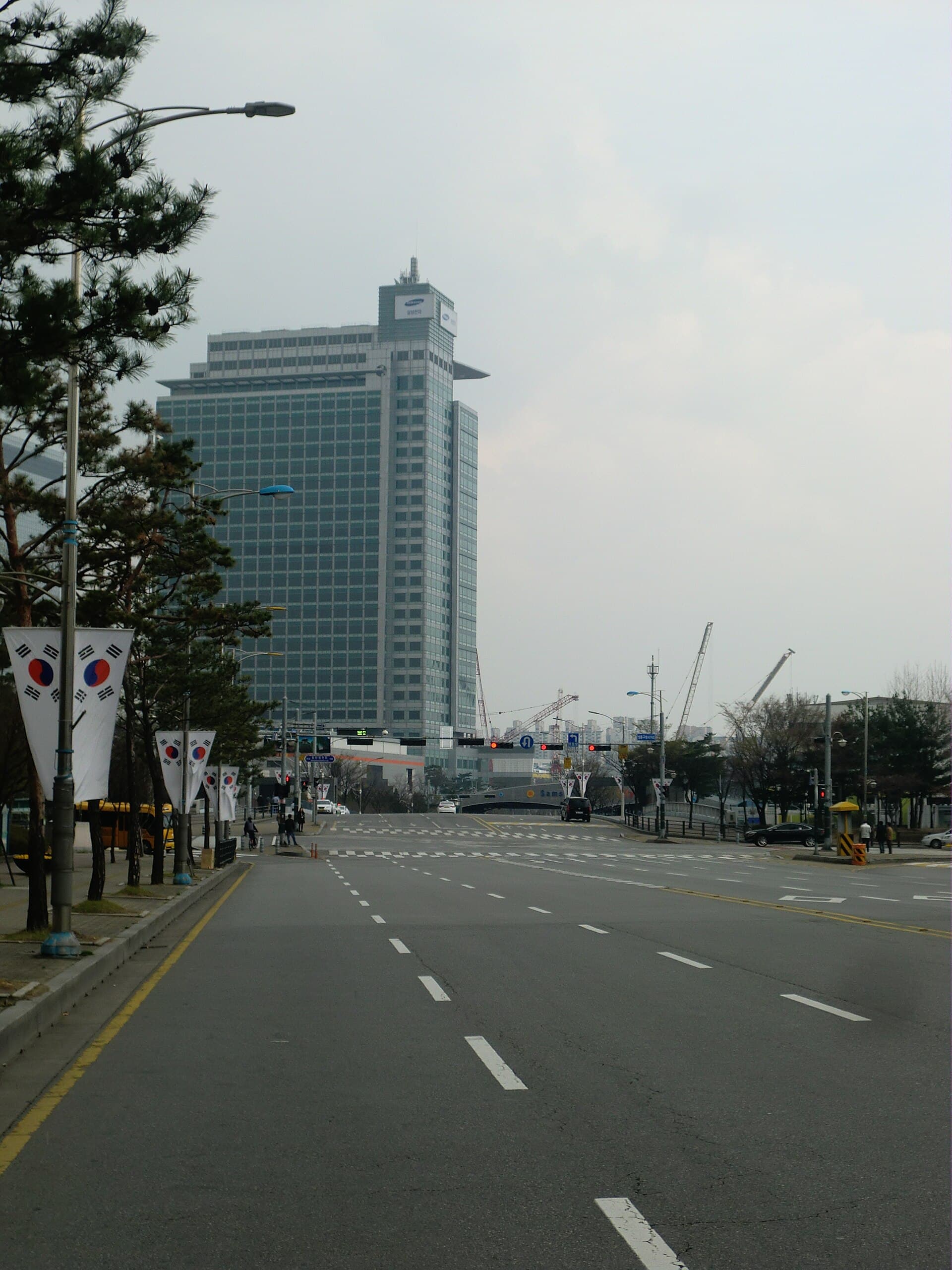
Some Samsung Galaxy owners are reporting unusually fast battery drain after installing the One UI 9 update, which Samsung is now rolling out to older Galaxy phones and which is based on Android 17. The complaints are not universal, and Samsung has not confirmed a general battery fault.
Phone Arena reported one Galaxy S24 Ultra owner whose battery level fell by 95 per cent in just over five hours, with the screen active for only three hours and 15 minutes. Other users say the battery drains quickly even when the phone is idle, according to Tech Advisor. On Samsung's US support forum, Galaxy S25 owners have posted numerous complaints about battery life on One UI 9; one user said the handset now has to be charged three to four times a day.
Not every Galaxy owner is affected. Tech Advisor notes that many users have not noticed any deterioration and the reports are limited so far, so a common cause has not been established. Samsung has not publicly confirmed any general battery problem tied to One UI 9.
A major system update can temporarily increase battery consumption while the phone reindexes data in the background, Engadget explains. Apple says Spotlight reindexes all user data after an iPhone update, and Android runs a similar process, which can push CPU and GPU usage higher and leave fewer resources for apps and animations. That work usually finishes within a few days: Sony says the indexing process after an Android update generally takes no more than two days. Older phones may feel the effect more because major updates are generally built around newer hardware.
If battery life drops after updating, Tech Advisor recommends restarting the phone and checking the battery settings for the apps using the most power; a factory reset after backing up data is another step if problems persist. Engadget adds that keeping the phone on a charger and Wi-Fi can help indexing finish faster, and Apple says part of the iPhone indexing process only completes when the device is plugged in and not in use. Updating apps, freeing storage and checking battery health may also help, with a factory reset or software downgrade as a last resort.
 Photograph: Cristiano Tomás/Wikimedia (CC BY-SA 4.0)
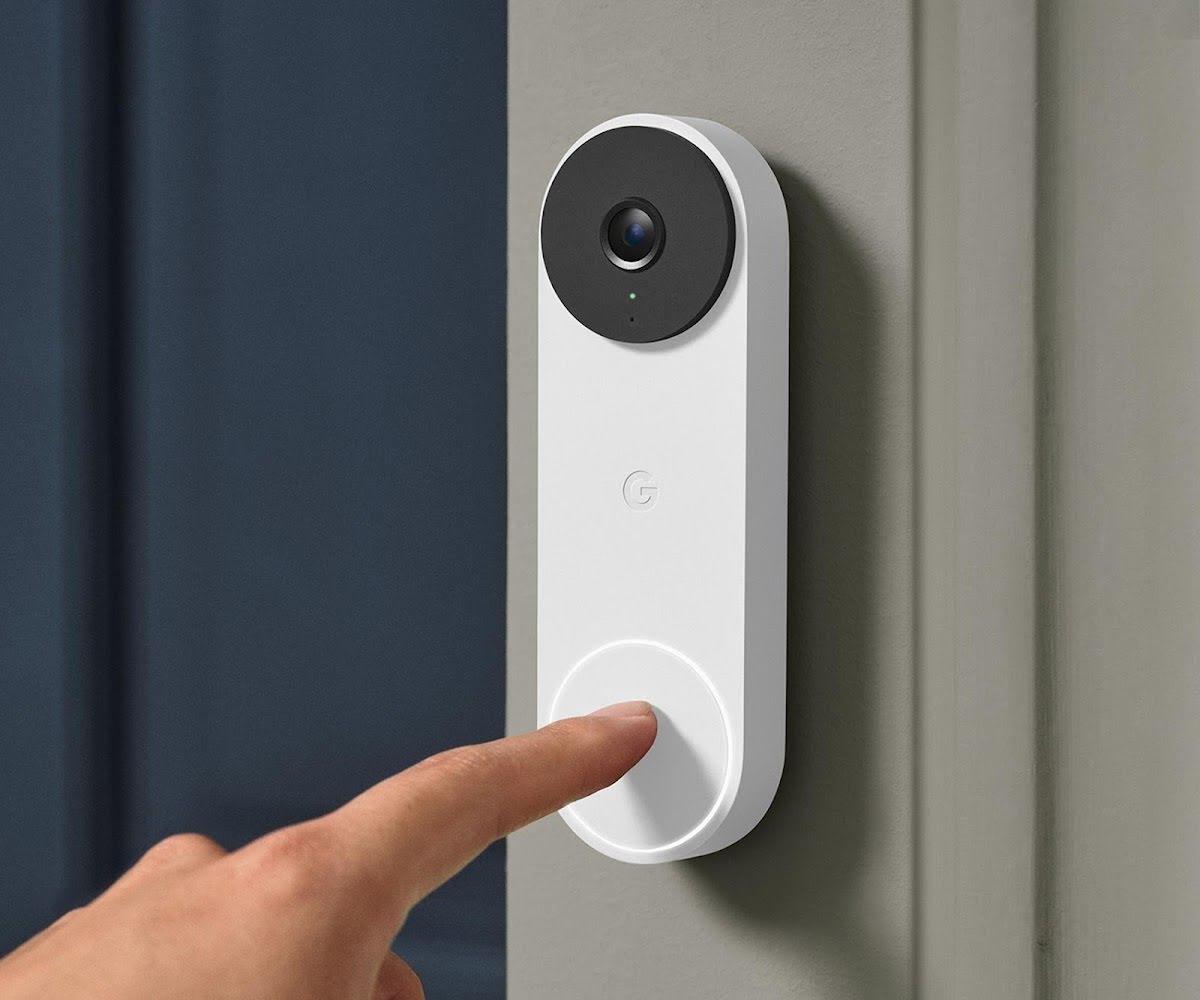 Photograph: Google (press image)
 Photograph: Alexis Lamster/Wikimedia Commons (CC BY 2.0)
 Photograph: Pokechu22/Wikimedia Commons (CC BY-SA 4.0)
 Photograph: The Conmunity - Pop Culture Geek from Los Angeles, CA, USA/Wikimedia Commons (CC BY 2.0)
The $1,599 Android phone goes on sale November 26 with a 6.8-inch display, Snapdragon 8 Elite Extreme Gen 6, and seven years of OS upgrades.
Jules Park, Nov 7, 2026
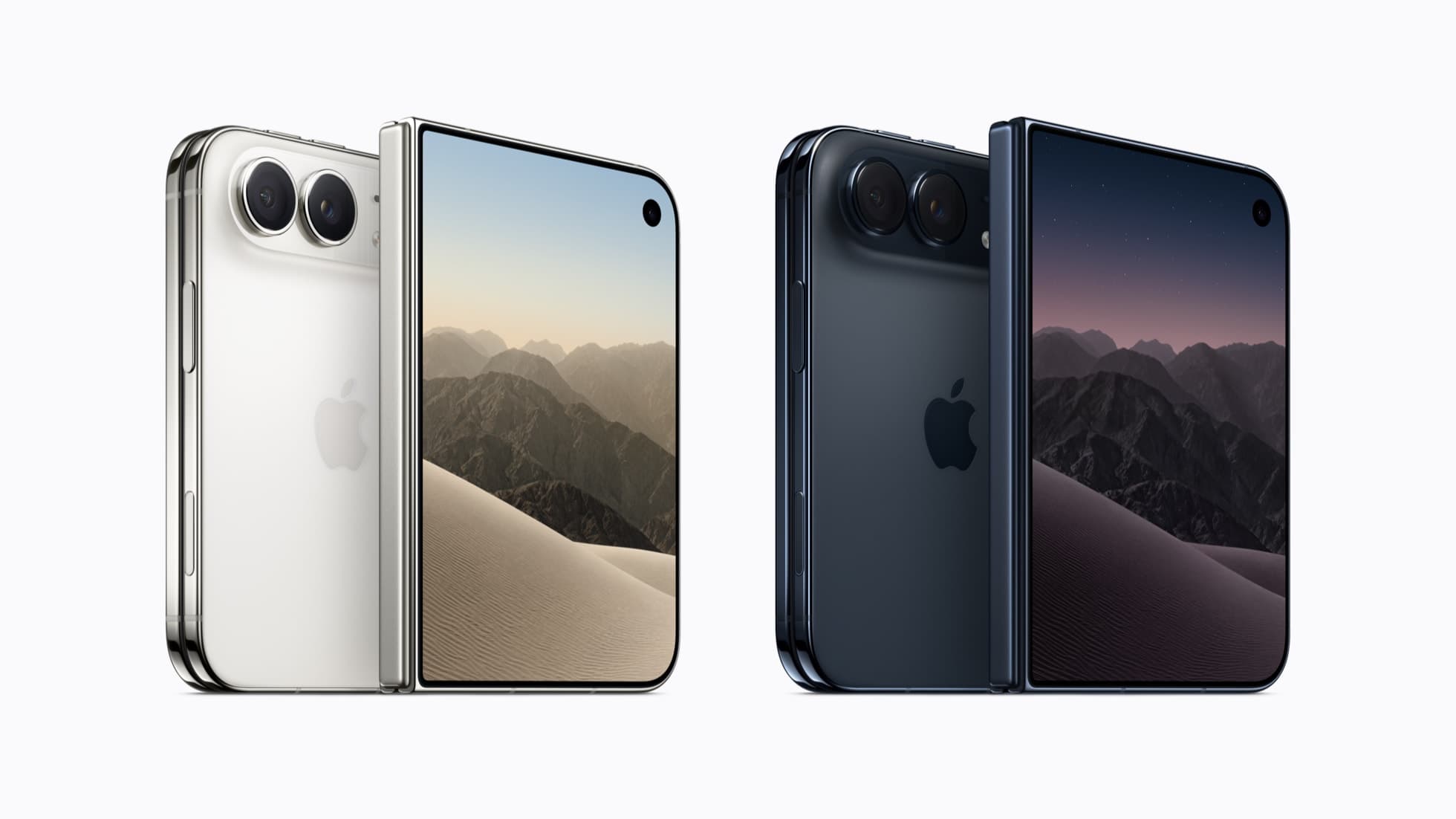 Photograph: Apple (press image)
Apple's first foldable starts at $1,999 and opened preorders on October 16. CNET's machine has folded it over 260,000 times, and Trend Micro warns about fake ordering sites.
Sasha Lind, Nov 5, 2026
 Photograph: Motorola (press image)
The 6.8-inch Android 17 phone packs a Snapdragon 8 Elite Extreme Gen 6, 7,000mAh battery and 200MP telephoto camera; pre-order dates differ by source.
Sasha Lind, Nov 5, 2026